User Manual
Mastering the AccuBrite ERP & CRM platform.
📸 Developer Note: Customizing Visuals
The frames below are interactive mockups. To replace them with real screenshots:
Option A: Manual
- Take a screenshot of the relevant page in your browser.
- Save it as a
.pngin/static/images/manual/ - Name files:
dashboard.png,customers.png,leads-new.png,calendar.png,quotes-new.png,jobs-detail.png,orders.png,materials.png,books-dashboard.png,field.png
Option B: Automated
- Install Node.js and Puppeteer:
npm install puppeteer - Run:
ADMIN_USER=admin ADMIN_PASS=yourpass node scripts/capture-screenshots.js
Dashboard Overview ADMIN
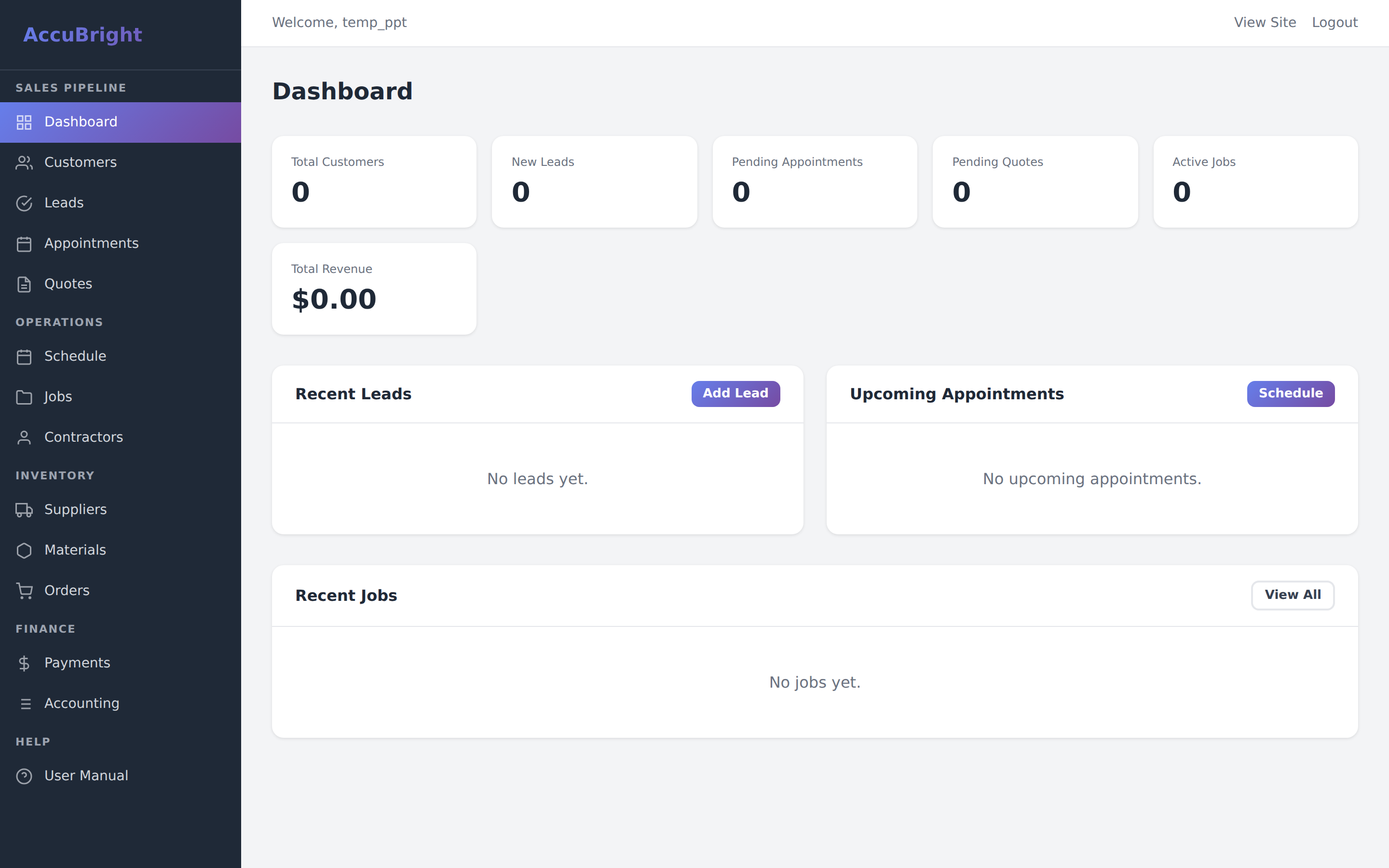
The Admin Dashboard is your primary command center. It provides real-time visibility into your business's vital signs, from daily leads to quarterly revenue.
Main Dashboard
Highlights high-level KPIs: Customer count, Active Jobs, Revenue, and Lead Conversion rates.
Executive Stats
- Total Customers: Count of all clients in the CRM.
- Active Jobs: All jobs currently in progress or scheduled.
- Live Revenue: Total cash collected from completed payments.
Recent Activity
- Quick view of the last 5 leads received.
- Upcoming installation schedule for the next 48 hours.
- One-click shortcuts to the most common tasks.
Customer CRM ADMIN
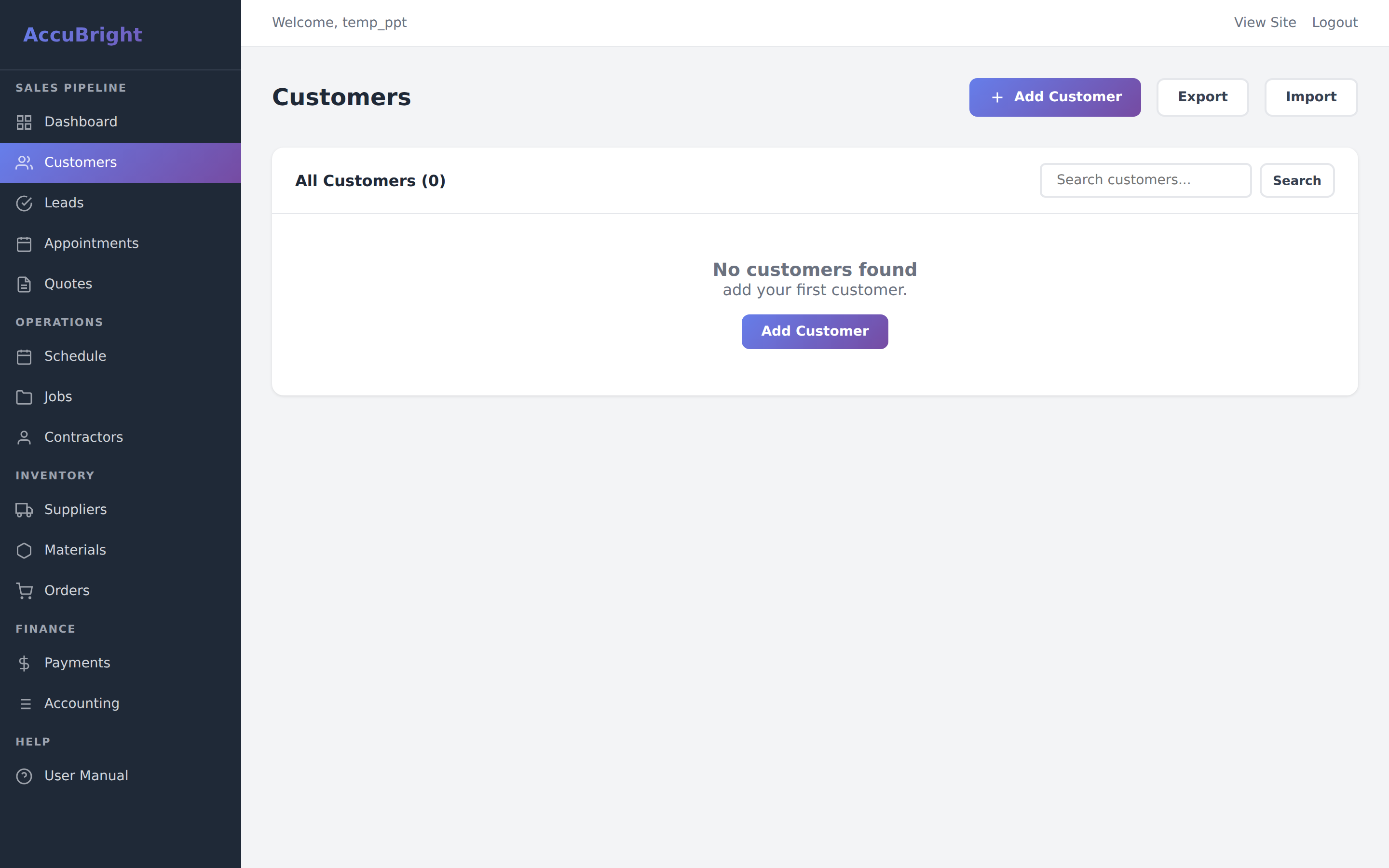
Our CRM tracks more than just names and emails. It logs every quote, job, and cent of revenue associated with a client over their lifetime.
Customer Database
Searchable list of clients with deep links to their project history and billing status.
Advanced Customer Tracking
- HubSpot Sync: Every customer is mirrored to HubSpot for marketing campaigns.
- Integrated History: View every job a customer has ever signed for, including past payments.
- Communication Logs: (Planned) Keep notes on specific customer preferences.
Lead & Pipeline ADMIN
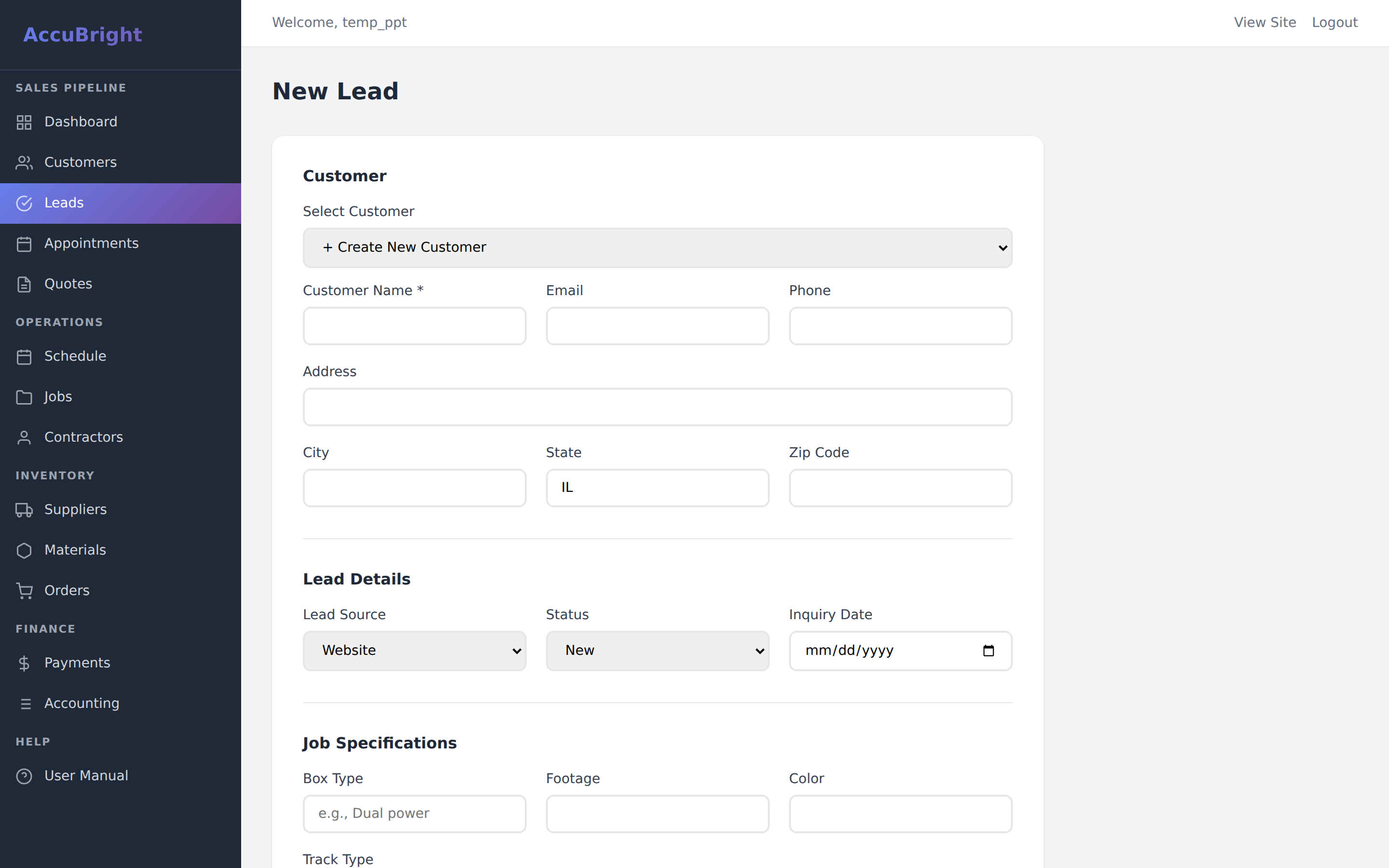
Leads are where your sales process begins. Capture technical requirements early to ensure quoting is fast and accurate.
Lead Intake Form
Capture contact info and project specs (linear footage, colors, box types) to fuel the auto-quote engine.
Technical Capture
When intake a new lead, ensure you capture: Box Type, Linear Footage, Specified Color, and Track Type. These fields pre-calculate your material lists for quotes later on.
Calendar & Scheduling ADMIN
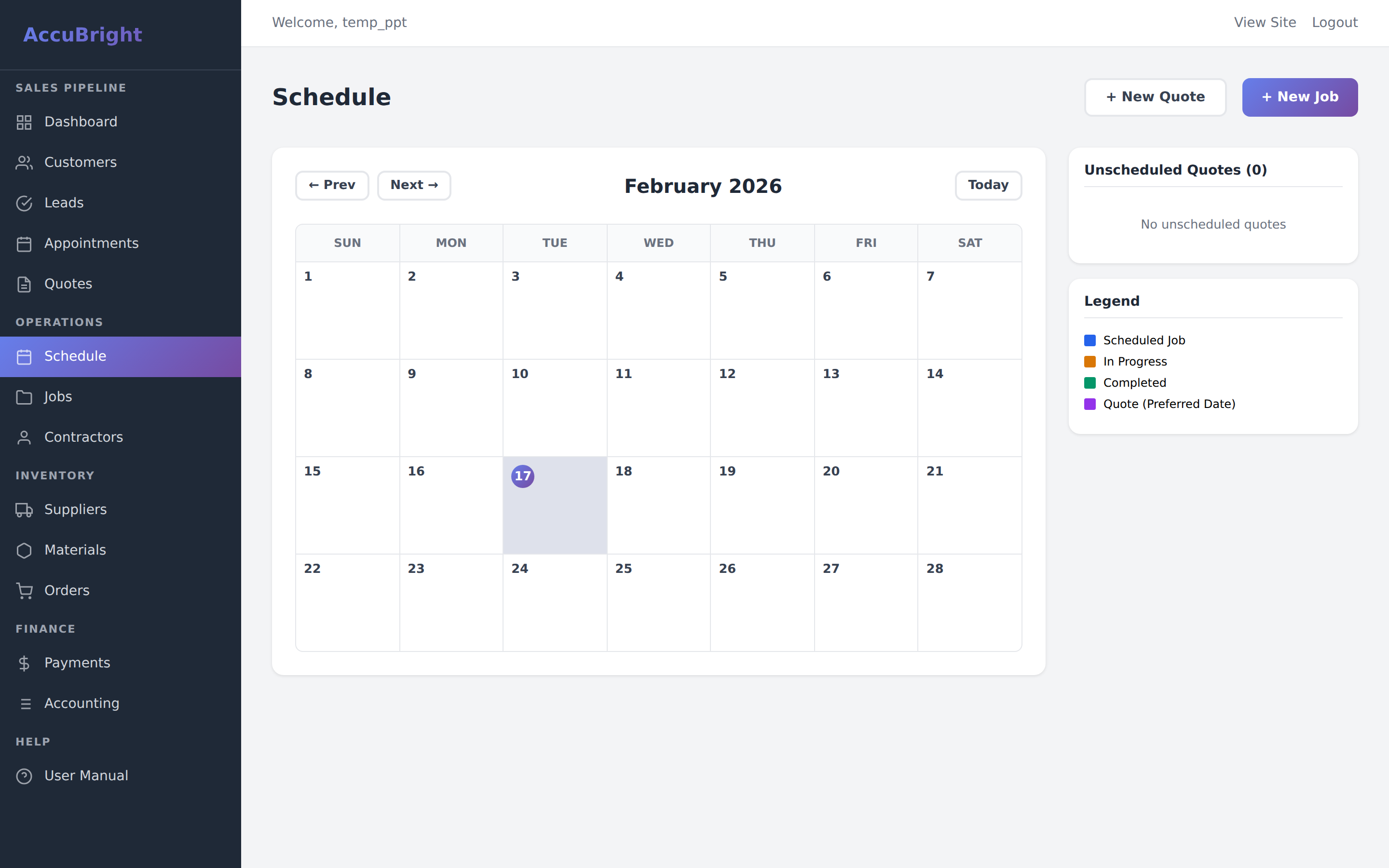
The AccuBrite Calendar isn't just a view; it's a resource management tool. It color-codes different activity types so you can balance your team's workload.
Resource Calendar
Multi-view calendar showing scheduled jobs, site visits, and available technician windows.
Managing the Schedule
- Blue Blocks: Confirmed installation jobs.
- Green Blocks: Site visits or estimate appointments.
- Side Drawer: See unscheduled, accepted quotes that need to be put on the calendar.
Quote Builder ADMIN
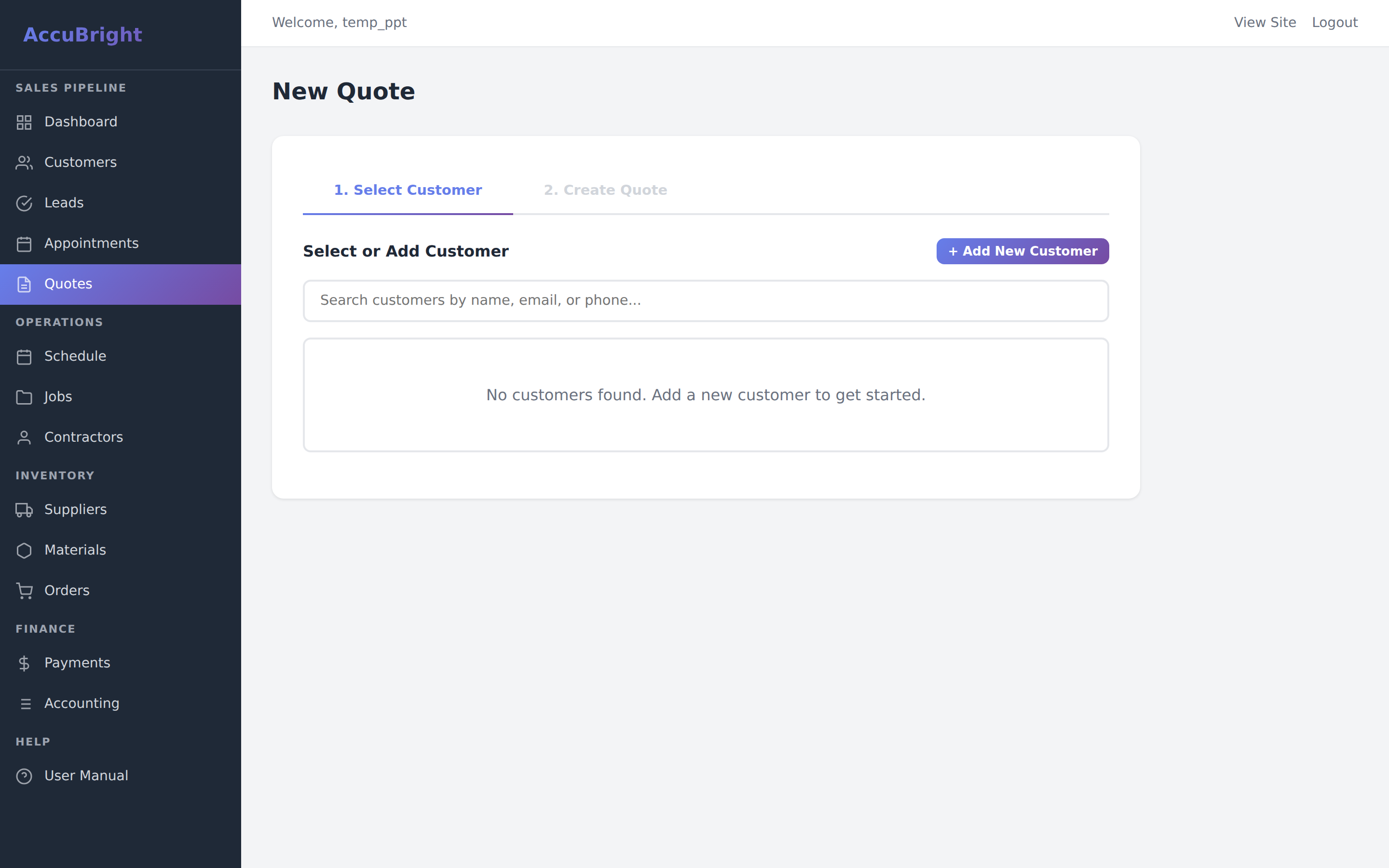
Turn inquiries into professional estimates. The Quote Builder handles dynamic pricing, discounts, and professional PDF generation.
Quote Editor
Line-item selection, labor cost calculations, and PDF generation tools.
Building a Proposal
- Item Selection: Pull directly from your material inventory.
- Labor Costs: Set custom labor rates per quote or use defaults.
- Auto-Totals: Tax, materials, and labor are summed automatically.
Client Communication
- PDF Generation: Instantly create a branded PDF document.
- Tracking: Know exactly when a quote was sent and when it expires.
- Conversion: One click converts an accepted quote into a live Job.
Project Operations (Jobs) ADMIN
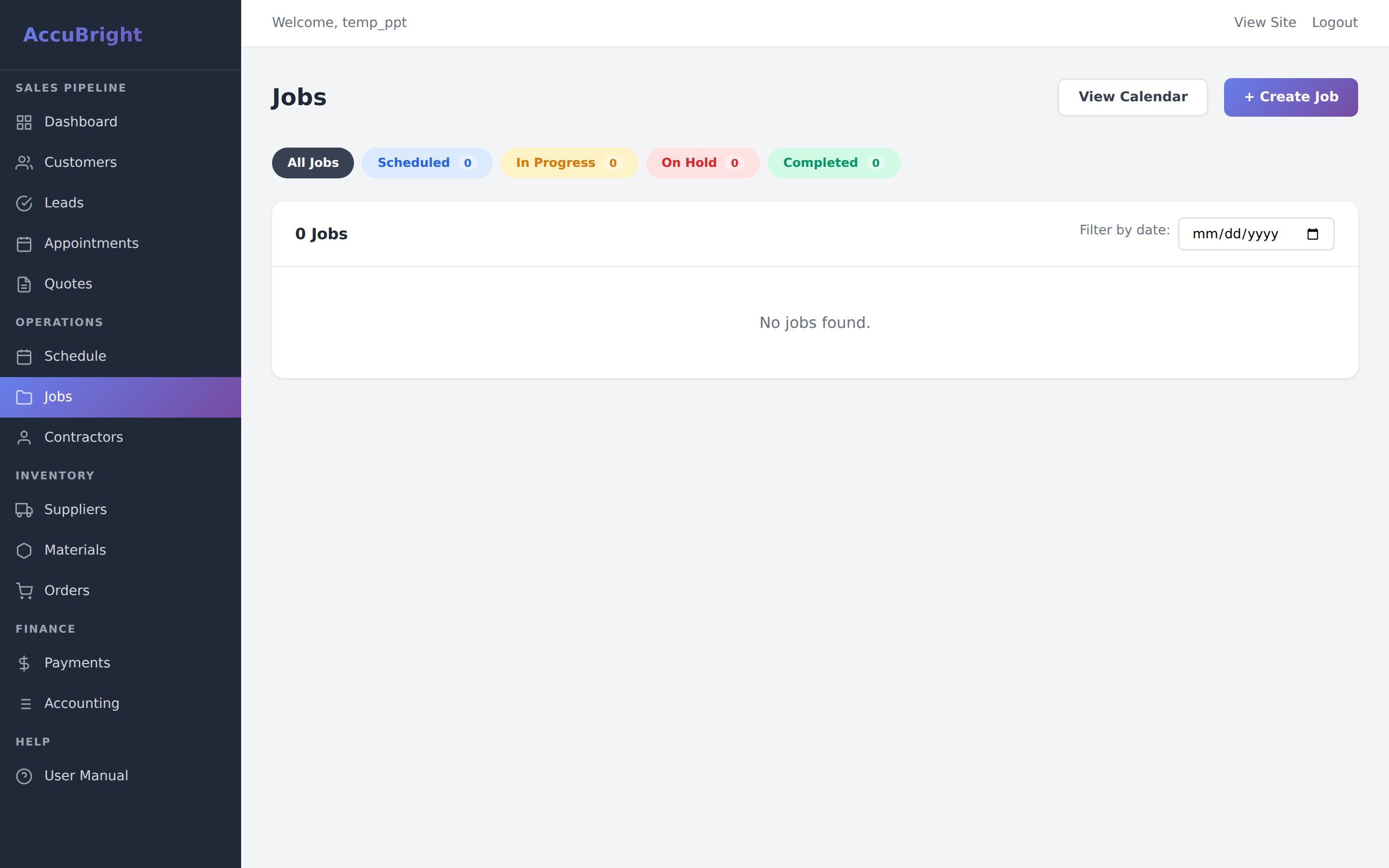
Jobs are the heart of your daily operations. A job tracks scheduling, contractor assignments, and progress from start to finish.
Job Command Center
Detailed view of installation timelines, assigned crew members, material lists, and site photos.
Workflow States
- Scheduled: Assigned a date but work hasn't begun.
- In-Progress: Field team is currently on-site.
- Completed: Work finished; ready for final billing.
Management Tools
- Contractor Payouts: Track what is owed to your installers.
- Completion Photos: Review the work done via the field upload tool.
- Financial Sync: Payments logged here update the Accounting module.
Purchase Orders ADMIN
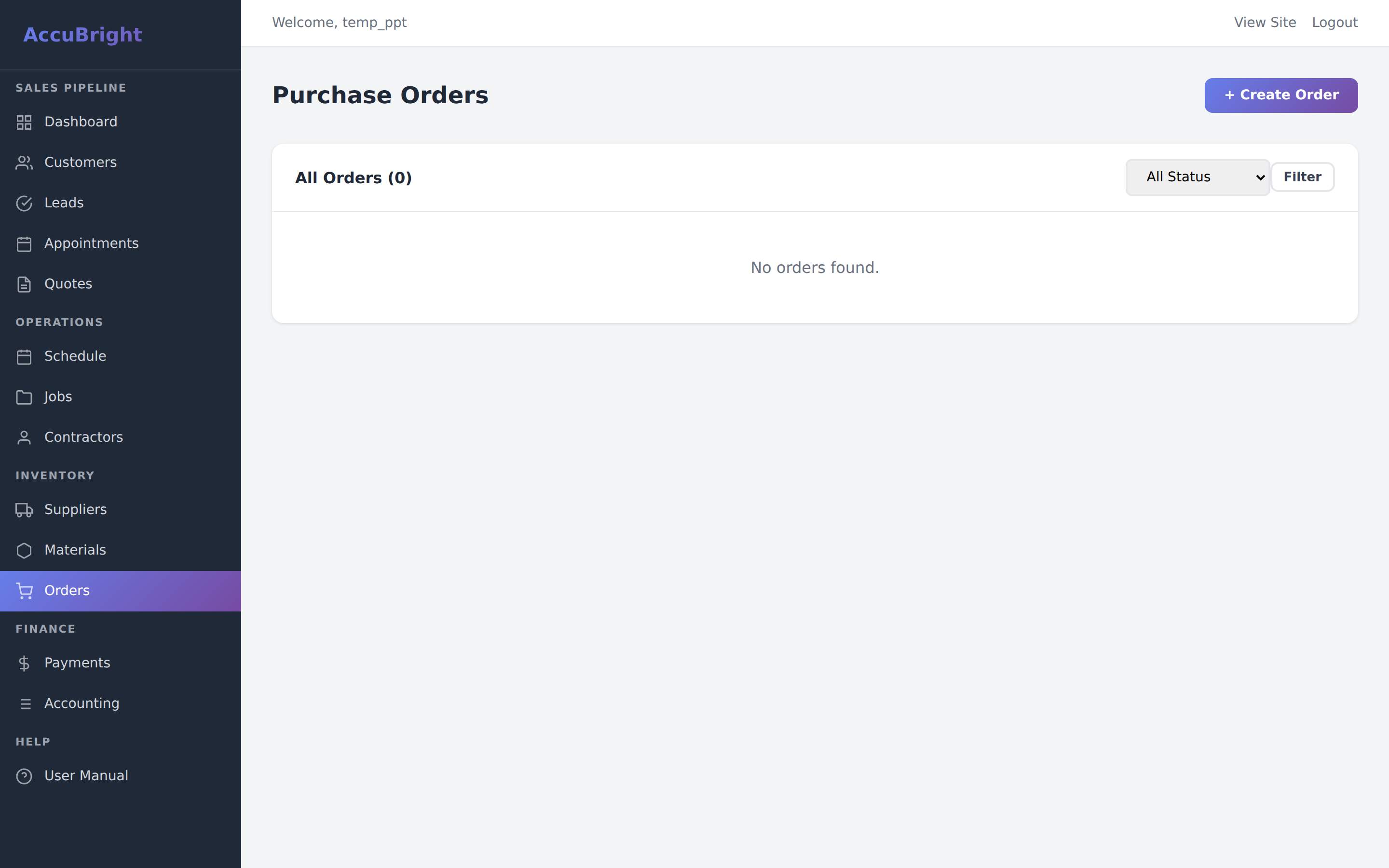
Manage material procurement and vendor relationships. Purchase Orders link your material needs to your suppliers.
Order Management
Track wholesale orders from initial draft to final delivery and inventory restock.
Inventory Procurement
- PO Generation: Create orders for multiple items across different suppliers.
- Status Tracking: Monitor orders through 'Draft', 'Ordered', and 'Received' stages.
- Auto-Restock: Receiving an order automatically updates your Inventory counts.
Inventory Management ADMIN
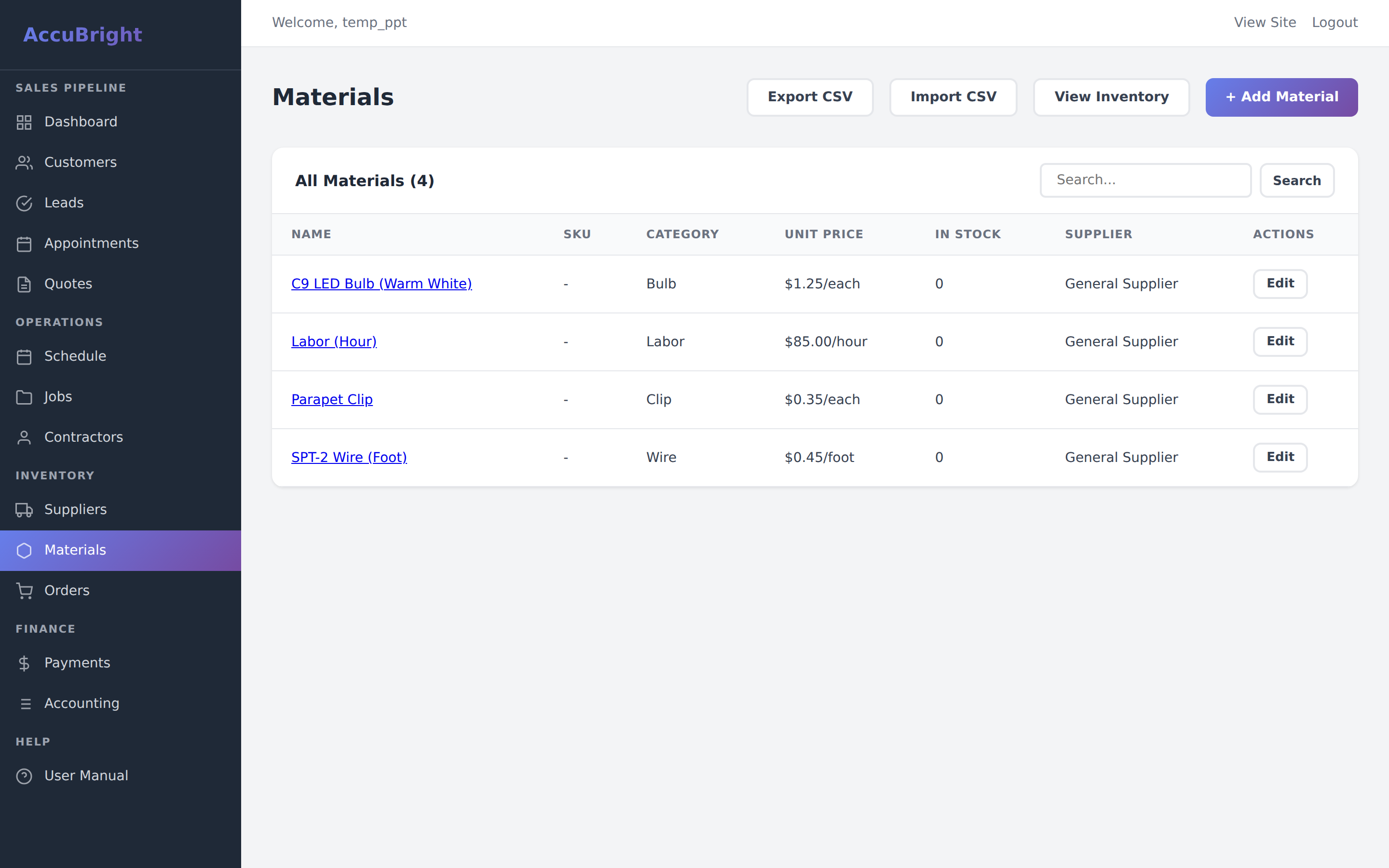
Integrated inventory ensures you're never caught without the parts you need for a job.
Stock Ledger
Live inventory counts with low-stock warnings and parts-per-job tracking.
- Automatic Deductions: When a Job is marked 'Completed', parts are subtracted from stock.
- Supplier Catalog: One-click purchase orders for your preferred vendors.
- SKU Scanning: Supports future integration for mobile barcode scanning.
Financial Books (Accounting) ADMIN / BOOKS
AccuBrite features a built-in double-entry accounting engine. This module provides full financial transparency without needing external software.
Accounting Ledger
Charts of accounts, P&L reporting, balance sheets, and tax-period closing tools.
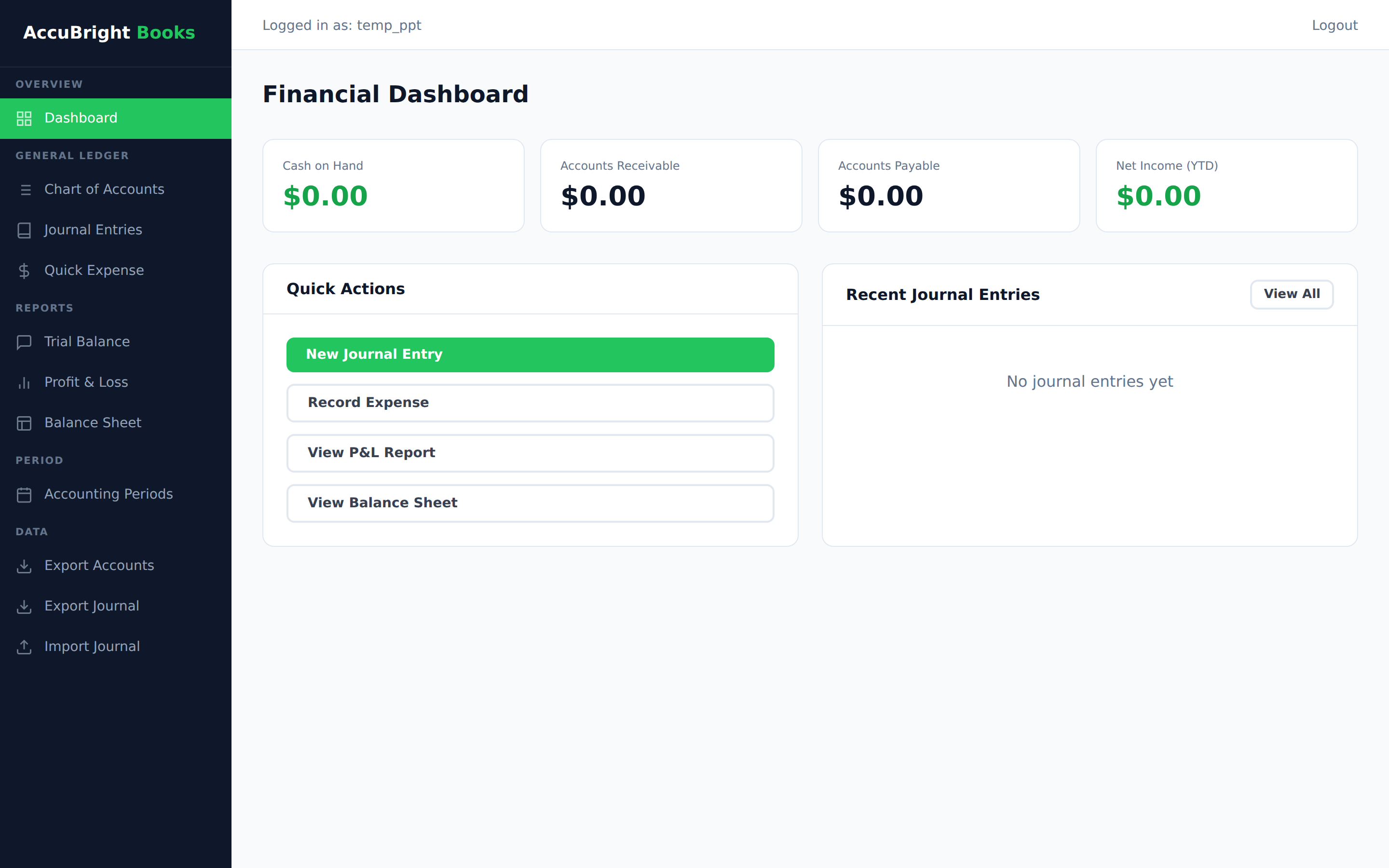
Chart of Accounts
- Standard Ledger: Assets, Liabilities, Equity, Revenue, and Expenses.
- Job Costing: Track material and labor expenses specifically against project revenue.
- Manual Journals: Create custom entries for payroll, taxes, or adjustments.
Financial Reports
- Balance Sheet: A real-time snapshot of your company's value.
- Profit & Loss: See exactly where your gross and net margins stand.
- Trial Balance: For verifying ledger accuracy before closing periods.
Accounting Periods
To ensure data integrity, use Accounting Periods. Once a month or quarter is closed, historical data is locked to prevent accidental changes after tax filings.
Field Portal (Mobile) FIELD
The Field Portal is a stripped-down version of the app designed specifically for technicians on a smartphone or tablet.
Field Technician App
Responsive mobile interface for on-site checklist completion, photo uploads, and map navigation.

Technician Workflow
- Daily Schedule: Clear list of assigned stops for the day.
- Navigation: One-click integration with Google Maps/Apple Maps.
- Job Closing: technician marks "Finished," triggers office review and customer invoicing.
HubSpot Integration EXTERNAL
AccuBrite acts as your operational core, but it talks to HubSpot 24/7 to keep your marketing team in the loop.
Automation Rule: When a Quote is marked 'Accepted' in AccuBrite, the HubSpot Deal automatically moves to 'Closed Won'. No manual entry required.